MacBook Screen Repair - What Your Broken Screen Is Telling You
Symptom-by-symptom guide from the techs who replace these screens every week
Written by Stephen
July 9, 2026
Match Your Symptom
Not every broken screen is actually a broken screen. Some of these symptoms are the display assembly, some are a cable, and some are the logic board. Here is what each one usually means, from the bench, not from a script.
Cracked or Shattered Glass
On every Retina MacBook, the glass and the LCD are laminated into one assembly; there is no such thing as a glass-only repair. The fix is a display assembly replacement. If the image underneath still looks fine, the machine is safe to use in the short term, but cracks spread with every open and close of the lid, and once the LCD itself starts bleeding, the repair does not get cheaper. Full breakdown on our cracked MacBook screen page.
Black Screen, but the Mac Is On
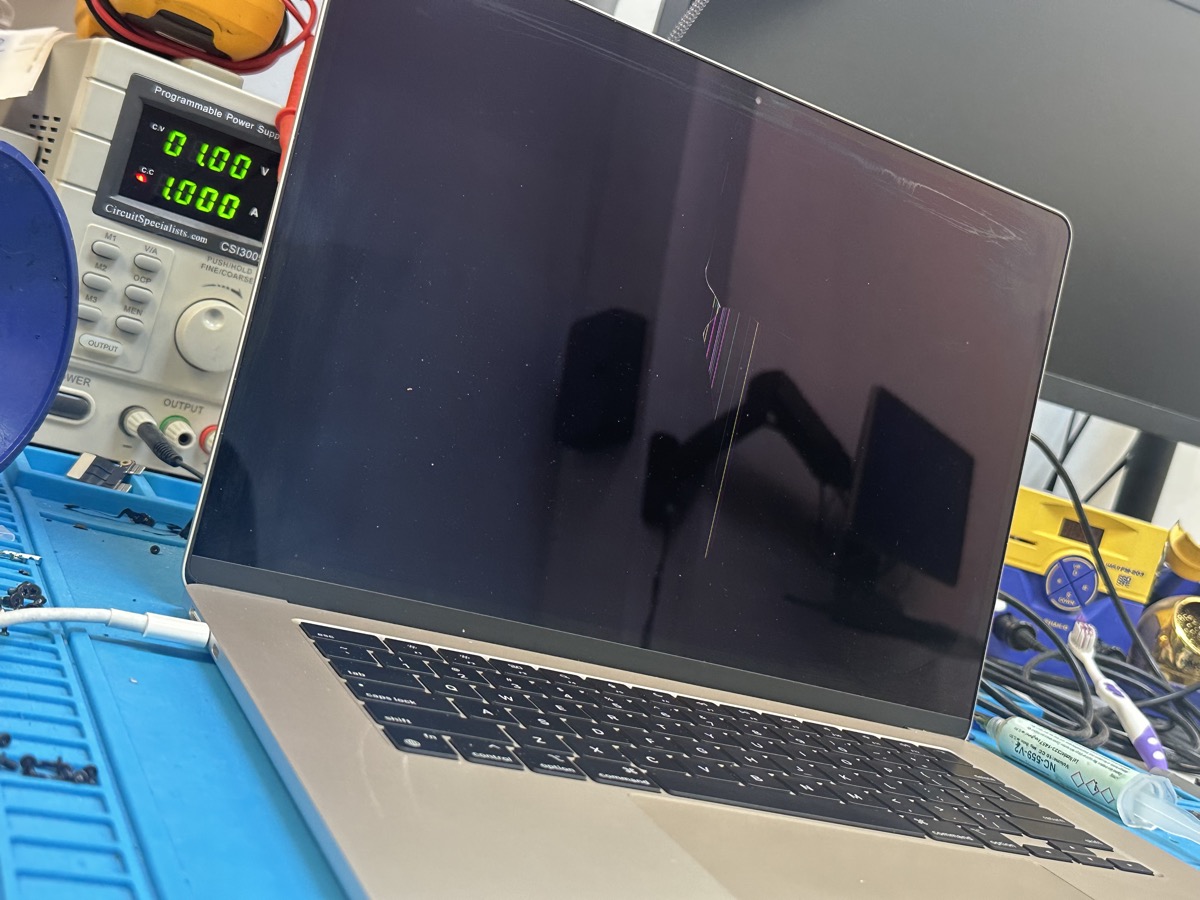
You hear the chime, the keyboard lights up, it shows up on an external monitor, but the built-in display stays dark. This one is frequently NOT the screen. It can be the backlight circuit on the logic board, a display cable, or the display itself; guessing wrong here is how people pay for a screen they did not need. This is exactly what our free inspection sorts out before anyone quotes you anything. If it turns out to be board-level, that is a repair we do in-house.
Vertical Lines or Bands of Color
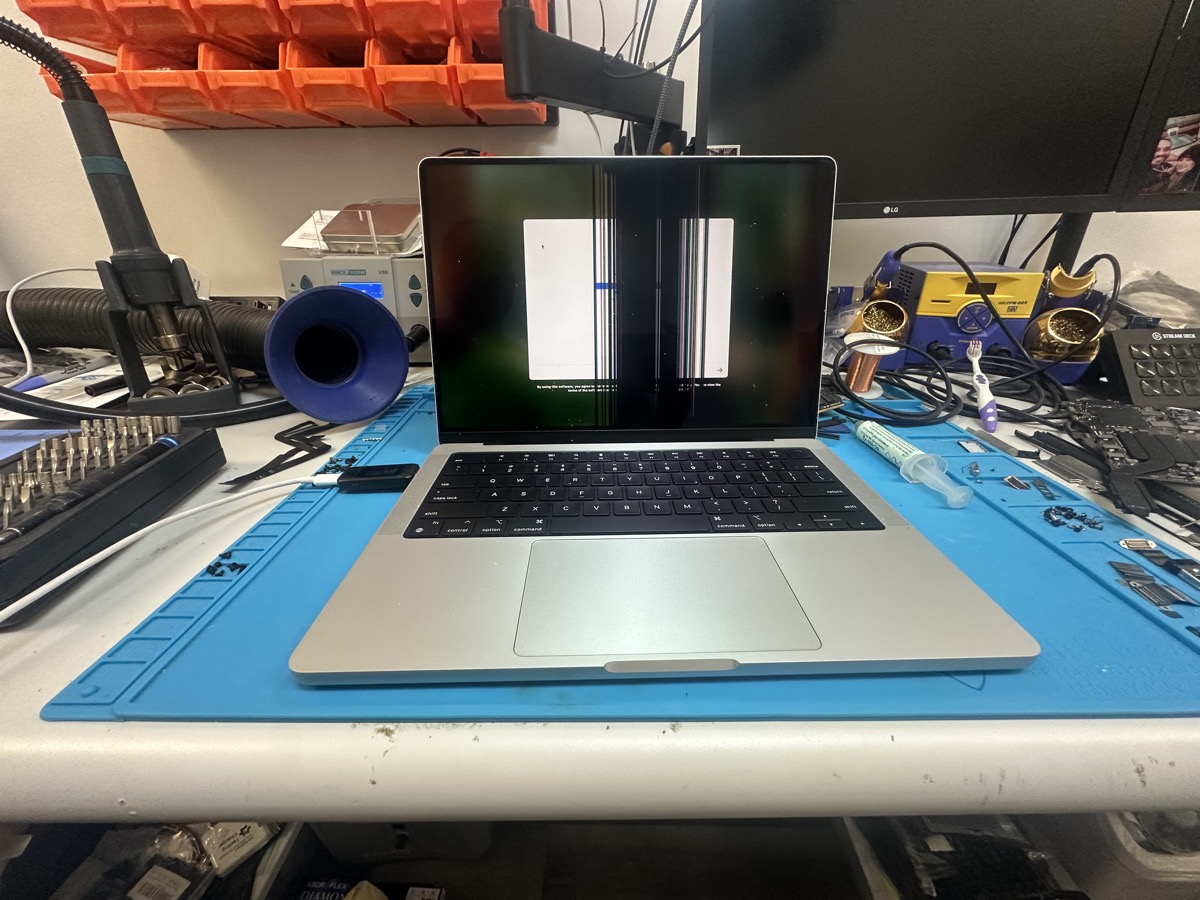
Solid vertical lines, colored bands, or a section of the screen that looks scrambled almost always means the LCD panel or its internal flex connection has failed. Sometimes it follows a drop or pressure on the lid; sometimes it just happens. If the lines move or disappear when you tilt the lid, a cable can be the culprit, which is a cheaper fix. Either way it is diagnosable in minutes on the bench.
"Stage Light" Glow at the Bottom, or Flickering
Bright spots along the bottom edge that look like stage lights, or a screen that flickers and cuts out as you change the lid angle, is the classic flexgate symptom on 2016 to 2017 MacBook Pros; the backlight flex cable is a hair too short and wears out from normal opening and closing. Depending on the model this is a cable repair or a display replacement. Flickering on other models can also be a backlight or board issue, which the inspection separates out.
Dim Screen After a Spill
If the image is there but extremely faint (you can see it with a flashlight against the screen), the backlight is out. After a spill, that is usually the backlight circuit on the logic board, not the display; a fuse or driver took the hit protecting everything else. That is a board-level repair, and if liquid was involved you should read our liquid damage emergency guide first, because the corrosion keeps spreading until the board is properly cleaned.
Pink or Purple Tint, Dark Blotches, Pressure Marks
A colored tint across the whole image, dark blotches that look like bruises, or marks where something pressed against the closed lid all point to a damaged LCD. These do not heal and they usually grow. The fix is a display assembly replacement, and on MacBook Air models it is one of the most common repairs we do; see our MacBook Air screen replacement page for specifics.
Genuine vs Aftermarket Screens, the Honest Version
Most shops will not have this conversation with you, so we will. There are two kinds of replacement displays, and the difference is not just price.
Original panels with the original camera and ambient light sensor assembly. Everything works exactly like factory: True Tone, auto-brightness, color accuracy, the camera. This matters more than most people realize, because the True Tone sensor lives in the camera assembly at the top of the display, not in the panel itself. Genuine costs more, and it is what we recommend when the machine is worth it.
Meaningfully cheaper, and on a budget repair for an older machine they can be the right call. The trade-offs are real though: color and brightness are usually a step down, and True Tone may not function. We stock and install both; the difference is we tell you which one you are getting before you approve anything, not after.
Lost True Tone after a screen replacement somewhere else? On Apple Silicon MacBooks, current macOS can restore True Tone, but only when a genuine camera assembly is present. We wrote up exactly how that works on our True Tone calibration page.
What a Screen Repair Actually Costs
Anyone quoting you an exact price before knowing your model is guessing. Here is what actually drives the number:
- Your exact model. A 13-inch Air panel and a 16-inch Pro panel with ProMotion are very different parts with very different costs. Model number is on the bottom case (A2338, A2442, A2141, and so on).
- Genuine or aftermarket. As covered above; you pick, with the trade-offs on the table.
- Whether it is actually the screen. If the real problem is a cable or the backlight circuit, the repair can come in well under a display replacement. This is why the inspection is free; nobody should pay display-assembly money for a cable fault.
For comparison, Apple's out-of-warranty display replacement is a flat-rate program that often lands between $400 and $800 depending on the model. We are usually below it, we offer the aftermarket option when it makes sense, and on machines Apple has dropped from service we can still get you a screen. If the honest answer is that the machine is not worth the repair, we will tell you that too; it is why the inspection costs nothing.
What Happens at The Mac Space
We confirm whether it is the display, a cable, or the board before quoting anything. You get one honest number, not a guess.
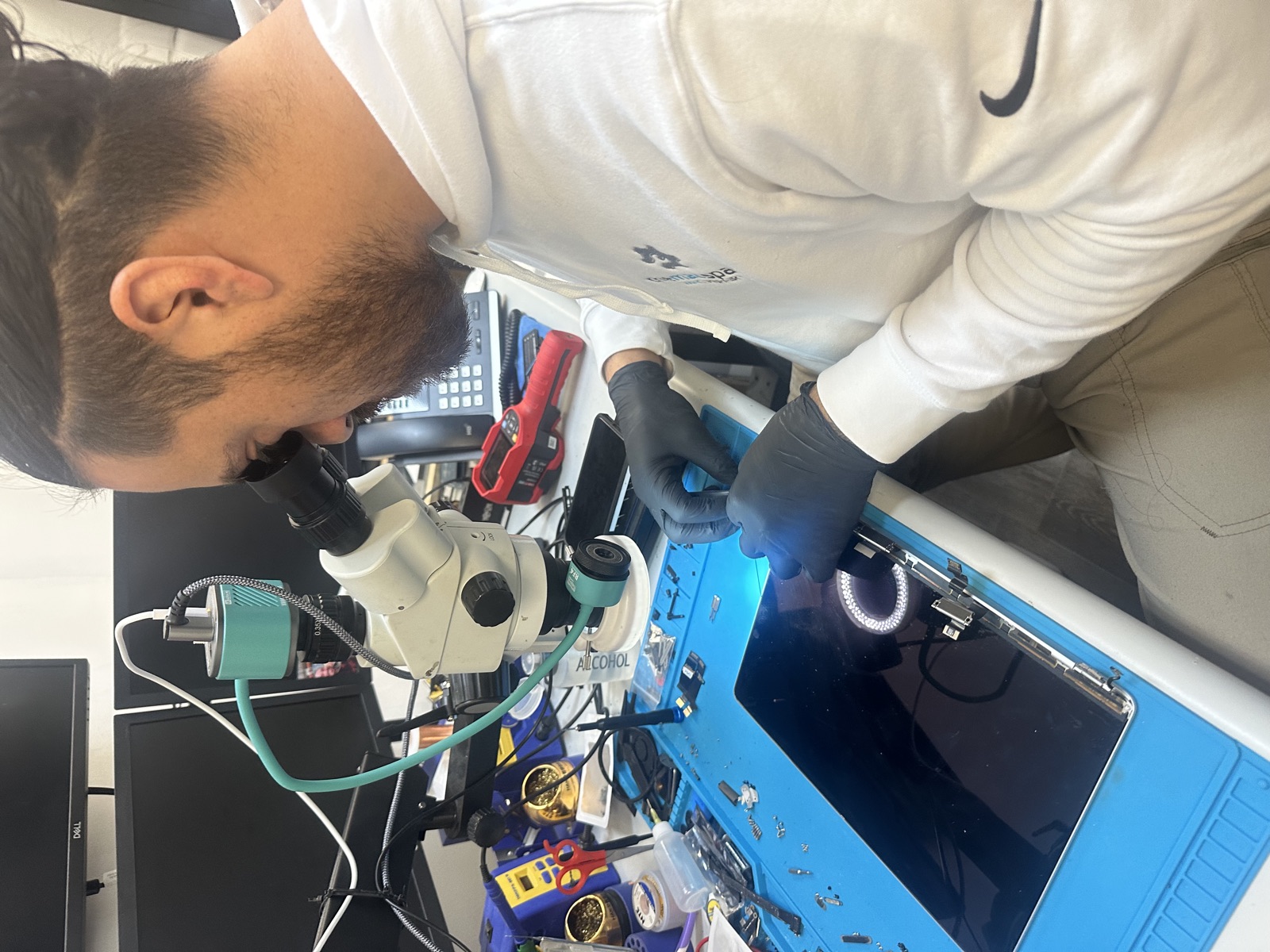
Common Air and Pro displays are parts we keep on the shelf. When yours is in stock, a screen replacement is usually a same-day repair; drop it off in the morning, pick it up before we close.
A screen replacement does not touch your drive. No wipe, no backup-and-restore, no handing over your password for us to poke around. The machine comes back exactly as you left it, just with a working screen.
Every screen replacement is covered by our 60-day warranty. If something is not right, bring it back.
Common Questions
Can you replace just the glass on my MacBook?
No, and neither can anyone else, honestly. On every Retina MacBook the glass and LCD are laminated together as one assembly. Anyone advertising a "glass-only" MacBook repair is replacing the whole display and calling it something else, or doing work you do not want on your machine.
How long does a MacBook screen replacement take?
When the display is in stock, usually same or next day. If we need to order your specific panel, plan on a few business days. Either way you get a real timeline when you drop it off, not a "we'll call you."
Will True Tone still work after the replacement?
With a genuine display, yes. With aftermarket panels, True Tone may not function, because the sensor that drives it lives in the camera assembly. We go over this before the repair so there are no surprises when you get the machine back.
Is a cracked screen covered by Apple's warranty or AppleCare?
The standard warranty does not cover accidental damage, so a cracked screen is out of pocket with Apple unless you bought AppleCare+, which covers it with a deductible. If you have AppleCare+, use it. If you do not, that is exactly the situation where an independent shop saves you real money.
Is it worth fixing the screen on an older MacBook?
Sometimes yes, sometimes no, and we will give you a straight answer for your specific machine. A 2020 M1 Air with a cracked screen is absolutely worth fixing. A 2013 Pro might not be, and if it is not, we will say so at the free inspection instead of taking your money.
My screen is cracked but still works. Can I keep using it?
For a while, usually. But cracks spread with lid flex, and once the LCD layer starts to go (lines, bleeding, dark patches) you have lost nothing by waiting except the option of the cheaper repair. If the crack is in the corner and stable, finish your work week; just do not treat it as permanent.
Get a Straight Answer on Your Screen
Bring your MacBook to The Mac Space for a free screen inspection and an honest quote.
Address: 2200 Roswell Rd. Suite 130, Marietta, GA 30062
Hours: Mon-Fri 11am-6pm
Related Screen Repair Pages
The Mac Space is an independent repair shop. We are not affiliated with, authorized by, or endorsed by Apple Inc. Apple, Mac, MacBook, iMac, iPhone, and iPad are trademarks of Apple Inc. AppleCare and True Tone are trademarks of Apple Inc.