MacBook Liquid Damage - What to Do Right Now
Step-by-step emergency guide from professional Mac repair technicians
Written by Stephen
February 11, 2026
Time is Critical
Liquid damage gets worse every minute. The faster you act, the better your chances of saving your MacBook. Follow these steps immediately.
Call Now: 470-355-0477Emergency Steps - Do These Right Now
Power Off Immediately
Hold the power button until the screen goes black. Do NOT try to check if it still works. Do NOT plug it in. Every second the board has power with liquid on it, corrosion spreads and shorts can destroy components permanently.
Unplug Everything
Disconnect the charger, USB drives, external monitors - everything. If liquid reached the charging port while plugged in, the damage is significantly worse. Remove any cables immediately.
Do NOT Move or Flip It
Leave the MacBook exactly where it is. Do NOT flip it upside down, tilt it, or shake it. Moving the machine in any direction allows liquid to travel to areas it has not reached yet - potentially spreading damage to the display, keyboard, and other components. Keep it flat, lid open, and let it sit still until you can get it to a repair shop.
Do NOT Use Rice
This is the biggest myth in tech. Rice does not fix liquid damage - it only absorbs surface moisture while corrosion continues destroying your board underneath. Rice dust and starch particles can also get inside ports and cause additional problems. Skip the rice.
Do NOT Use a Hair Dryer
Heat from a hair dryer can warp components, melt thermal pads, and actually push liquid deeper into the machine with the airflow. It also speeds up corrosion on the board. Let it air dry naturally in the inverted position.
Get It to a Repair Shop Fast
The only real fix for liquid damage is professional ultrasonic board cleaning. A technician needs to open the machine, disconnect the battery, and clean the logic board with specialized solutions to stop corrosion before it destroys traces and components. The sooner this happens, the higher the success rate.
Call The Mac Space: 470-355-0477What Happens at The Mac Space
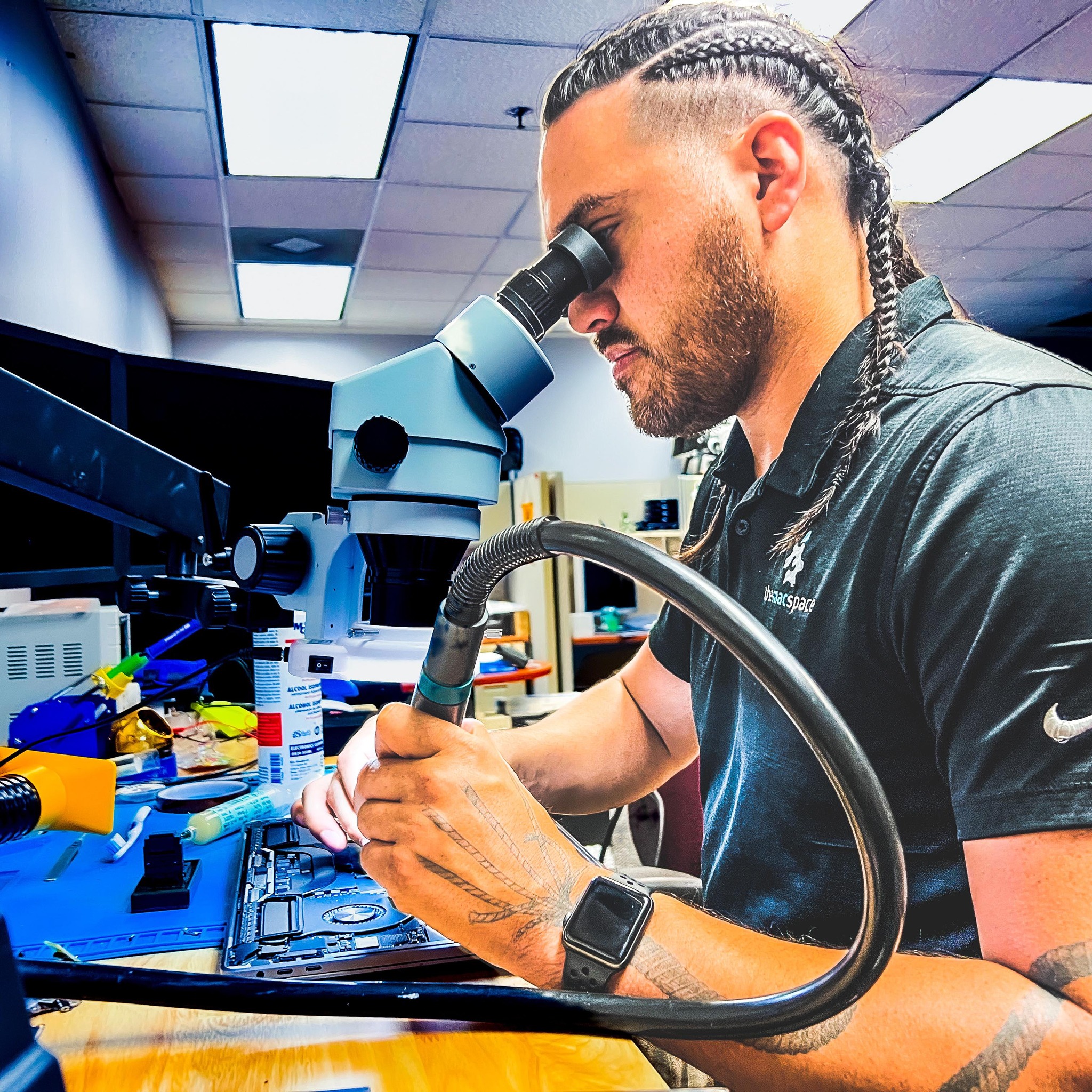
We open the machine and assess the damage under a microscope - no charge. You get an honest answer about what it will take to fix it.
The logic board is removed and cleaned in a professional ultrasonic bath with specialized EC cleaner and 99.99% isopropyl alcohol. This removes all corrosion, residue, and mineral deposits down to the component level.
If corrosion has already damaged components, we do board-level micro-soldering to replace individual chips, capacitors, and connectors. Most shops replace the entire board - we actually fix it.
Every liquid damage repair comes with our 60-day warranty. We stand behind our work.
Common Questions
How long do I have before the damage is permanent?
Corrosion starts within hours and gets significantly worse after 24-48 hours. The sooner you bring it in, the better. We have seen machines saved days later, but the success rate drops dramatically with every day that passes.
Does it matter what liquid was spilled?
Yes. Water is the least damaging. Coffee, soda, juice, and alcohol are much worse because they contain sugars, acids, and minerals that accelerate corrosion. Wine and beer are especially aggressive. Regardless of the liquid, professional cleaning is always needed.
My MacBook still works after the spill - am I safe?
No. This is the most dangerous situation. The machine may work now, but corrosion is silently spreading across the board. It can fail days or weeks later when a corroded trace finally breaks. If liquid got inside, it needs to be cleaned even if it seems fine right now.
How much does liquid damage repair cost?
It depends on the extent of the damage. A simple board cleaning starts much lower than a full board replacement. We give you an honest quote after the free inspection - no surprises, no hidden fees.
Will Apple fix liquid damage?
Apple does not repair liquid damage. Their only option is a full logic board replacement, which typically costs $500-$1,500+. We do component-level repair and board cleaning, which saves most machines at a fraction of that cost.
Don't Wait - Every Minute Counts
Bring your MacBook to The Mac Space for a free liquid damage inspection.
Address: 2200 Roswell Rd. Suite 130, Marietta, GA 30062
Hours: Mon-Fri 11am-6pm
The Mac Space: Mac Repair is a Private Members Association. We repair Macs and Apple devices for our members. We are not affiliated with, authorized by, or endorsed by Apple Inc. Apple, Mac, MacBook, iMac, iPhone, and iPad are trademarks of Apple Inc.