True Tone Calibration Discovered - MacBook Pro A2442
macOS Tahoe's Repair Assistant brings True Tone calibration to every Apple Silicon Mac after LCD replacement
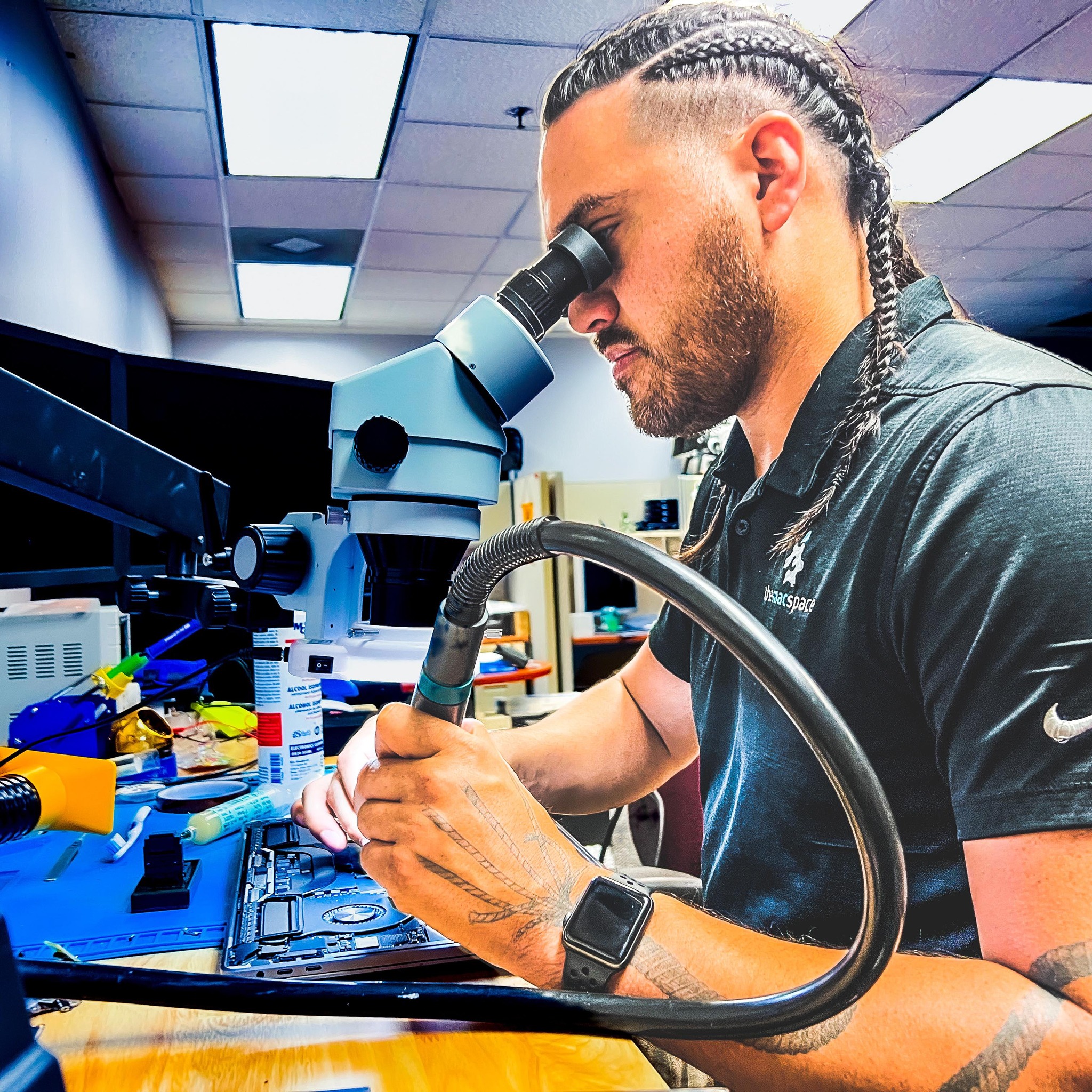
Written by Stephen
February 25, 2026
This Changes Everything for MacBook Display Repairs
For years, replacing a MacBook Pro display meant losing True Tone - the feature that automatically adjusts your screen's color temperature to match your environment. The calibration process required specialized tools that weren't widely available outside Apple's service network. With macOS Tahoe, Apple changed that by building Repair Assistant directly into the operating system - making True Tone calibration accessible to everyone.
What We Discovered
With macOS Tahoe (macOS 26), Apple introduced Repair Assistant - a built-in calibration tool accessible through System Settings. We tested this on an A2442 MacBook Pro 14" (2021 M1 Pro/Max) by swapping in an original Apple LCD assembly, and the results speak for themselves:
True Tone Retained
After swapping the display and running Repair Assistant, True Tone calibration was restored and fully functional. The screen adapts to ambient lighting just like it did from the factory.
Camera Calibration
The FaceTime camera calibration is also handled through Repair Assistant, ensuring proper white balance and exposure after a display swap.
Lid Angle Sensor
The lid angle sensor - which controls auto-brightness and sleep/wake behavior - gets properly paired to the logic board through the calibration process.
Built Into macOS
Apple built Repair Assistant right into macOS Tahoe, making display calibration available to any repair shop running the latest OS. A great move that benefits everyone in the repair ecosystem.
Our Experience at The Mac Space
We trialed Repair Assistant and can confirm it works as intended with original Apple displays. That said, we've never had True Tone issues with our display repairs - we do panel-level repair and retain the original camera, so True Tone stays paired to the logic board throughout. Repair Assistant is a welcome addition because it means we can now swap full LCD assemblies when needed and still retain True Tone, which makes certain repairs faster.
Important note on parts: We can only confirm True Tone calibration works with genuine Apple display assemblies. There are reports that some third-party compatible screens may also retain True Tone through Repair Assistant, but we haven't verified this ourselves and can't guarantee it for non-original parts. We use original Apple parts for our display repairs to ensure the best results.
What Apple Changed with macOS Tahoe
macOS Tahoe introduced Repair Assistant - and it's a big upgrade for display repairs across the board:
What Repair Assistant Enables
- True Tone calibration is now built directly into macOS - accessible through System Settings
- Calibration data is pulled from Apple's servers automatically during the repair process
- Works with original Apple LCD assemblies from any source
- Display, camera, and lid angle sensor can all be calibrated after a display repair
- Customers get a complete, fully-calibrated repair no matter where they go
Before Tahoe, True Tone calibration after a display swap required specialized tools that most independent shops didn't have access to. Apple recognized this gap and built the solution right into the OS. It's a great step forward for Mac owners everywhere.
How Repair Assistant Works
The process is surprisingly straightforward once you're on macOS Tahoe:
Replace the Display
Swap in the replacement LCD assembly using proper repair procedures. We use original Apple display assemblies for the best results.
Boot Into macOS Tahoe
The Mac must be running macOS Tahoe (macOS 26) or later. The system automatically detects the new display hardware.
Open Repair Assistant
Navigate to System Settings, then General, then About, then Parts and Service. Select "Restart and Finish Repair" to begin calibration.
Calibration Complete
The Mac restarts, pulls calibration data from Apple's servers, and pairs the display. True Tone, camera, and lid angle sensor are all calibrated.
Supported Mac Models
Repair Assistant works on all Apple Silicon Macs running macOS Tahoe or later. Here's what display calibration covers:
| Model | Parts Supported |
|---|---|
| MacBook Pro 14" & 16" (2021-2025) | Display, Lid Angle Sensor, Touch ID*, Logic Board, Top Case |
| MacBook Air (2020-2025) | Display, Lid Angle Sensor, Touch ID*, Logic Board |
| MacBook Pro 13" (2020-2022) | Display, Lid Angle Sensor, Touch ID*, Logic Board |
| iMac (2021-2024) | Display, Logic Board |
*Touch ID calibration applies to top case and logic board repairs, not display repairs.
A2442 MacBook Pro 14" - The Test Subject
We chose the A2442 MacBook Pro 14" (2021) for our first True Tone calibration test because it's one of the most common MacBook Pros we see for display repairs. Here's what makes this model special:
- Liquid Retina XDR Display - 3024 x 1964 resolution with ProMotion (120Hz)
- M1 Pro or M1 Max chip - first generation of the redesigned MacBook Pro
- Mini-LED backlighting - 1,000 nits sustained brightness, 1,600 nits peak HDR
- True Tone with ambient light sensors - automatically matches display color to room lighting
- 1080p FaceTime camera - integrated into the display assembly with the notch
- Lid angle sensor - controls auto-brightness and sleep/wake behavior
Previously, replacing this display meant True Tone calibration required tools that weren't widely available. The two ICs on the LCD control board are paired to the logic board and need recalibration after a swap. With macOS Tahoe's Repair Assistant, that calibration is now built right into the OS.
What This Means for You
If you have a MacBook Pro with a cracked or damaged display, you can now get a full-quality repair with True Tone, camera, and lid angle sensor fully calibrated after the swap. At The Mac Space, we use original Apple LCD assemblies and macOS Tahoe's Repair Assistant to ensure your display works exactly like it did from the factory.
Full calibration. Factory-quality results. 60-day warranty.
A Great Step Forward for Mac Repairs
Apple building Repair Assistant into macOS Tahoe is a great move. It means Mac owners everywhere can get display repairs with full True Tone calibration, regardless of where they go for service.
At The Mac Space, we've been doing board-level Mac repairs for years. Having Repair Assistant as part of macOS means we can deliver an even better repair experience - one where you get your MacBook back working exactly like it did from the factory.
Book Your MacBook Display Repair
Need a display replacement on your MacBook Pro? We now offer full True Tone calibration with every display repair on Apple Silicon Macs running macOS Tahoe.
The Mac Space: Mac Repair
Independent Mac repair specialists serving Atlanta, Marietta, and the surrounding metro area.
109+ five-star reviews - 60-day warranty on all repairs
Watch Our True Tone Calibration Video
True Tone Calibration FAQ
Yes. With macOS Tahoe's Repair Assistant, True Tone can be fully calibrated after a display replacement on any Apple Silicon Mac using an original Apple display. There are reports that some third-party screens may also work, but we can only confirm results with genuine Apple parts. At The Mac Space, we also do panel-level repairs where we retain your original camera and sensors, so True Tone stays intact without any recalibration needed.
Repair Assistant is a tool Apple built into macOS Tahoe (macOS 26) that calibrates replacement components after a repair. It handles True Tone, camera, and lid angle sensor calibration for display repairs. You access it through System Settings after a hardware repair is detected.
All Apple Silicon Macs running macOS Tahoe or later. This includes every MacBook Pro and MacBook Air with M1, M2, M3, M4, and M5 chips, as well as Apple Silicon iMacs. Intel Macs are not supported.
Only if you need a full LCD assembly swap - macOS Tahoe is required to run Repair Assistant and recalibrate True Tone. For our panel repair service, Tahoe is not required because we retain your original camera and sensors, so True Tone stays paired automatically. Panel repair also costs less since the panel alone is cheaper than a full assembly. If a full assembly swap is needed and your Mac is on an older version, we can update it as part of the repair process.
A panel repair replaces just the cracked LCD panel while keeping your original camera, sensors, and housing intact. This means True Tone stays paired to your logic board automatically - no macOS Tahoe required. It's also the more affordable option since just the panel costs less than a full display assembly. A full assembly swap replaces the entire display unit including the camera and sensors - this is where Repair Assistant and macOS Tahoe come in to recalibrate everything. We offer both options depending on the extent of the damage.
Need a MacBook Display Repair?
Panel repair or full assembly swap - we keep True Tone working either way. Free inspection, 60-day warranty.
Related Repair Pages
Cracked MacBook Screen
LCD and display replacement for all MacBook Pro and MacBook Air models.
A2442 MacBook Pro Repair
Full repair services for the MacBook Pro 14" 2021 M1 Pro/Max.
MacBook Repair
Screen, battery, keyboard, trackpad, and all MacBook repairs.
Logic Board Repair
Component-level motherboard repair and micro-soldering for all Mac models.
Serving the Greater Atlanta Metro Area
Located in Marietta, we serve customers from across the Atlanta metro area including Roswell, Alpharetta, Kennesaw, Woodstock, Smyrna, Buckhead, Midtown, and all of Cobb, Cherokee, and Fulton counties. Just off I-75 with easy access from anywhere in the metro Atlanta area.
Visit The Mac Space
2200 Roswell Rd. Suite 130, Marietta, GA 30062
Mon-Fri: 11AM-6PM | Sat-Sun: Closed