Cracked MacBook Screen?
We replace broken, cracked, and damaged MacBook displays
Get Your Display Fixed Right
A cracked screen doesn't mean your MacBook is done. We replace displays on all MacBook models - from the latest M-series to older Intel machines. Quality parts, expert installation, 60-day warranty.
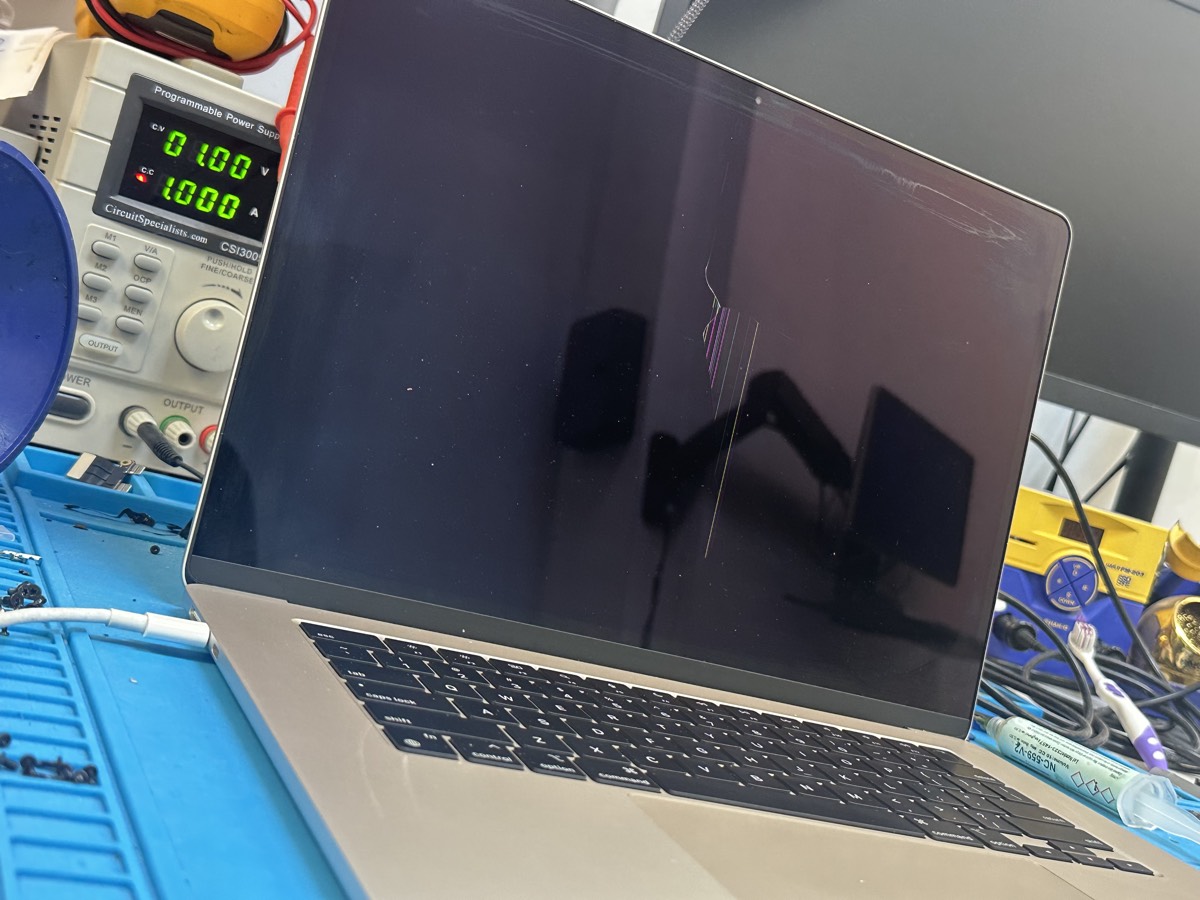
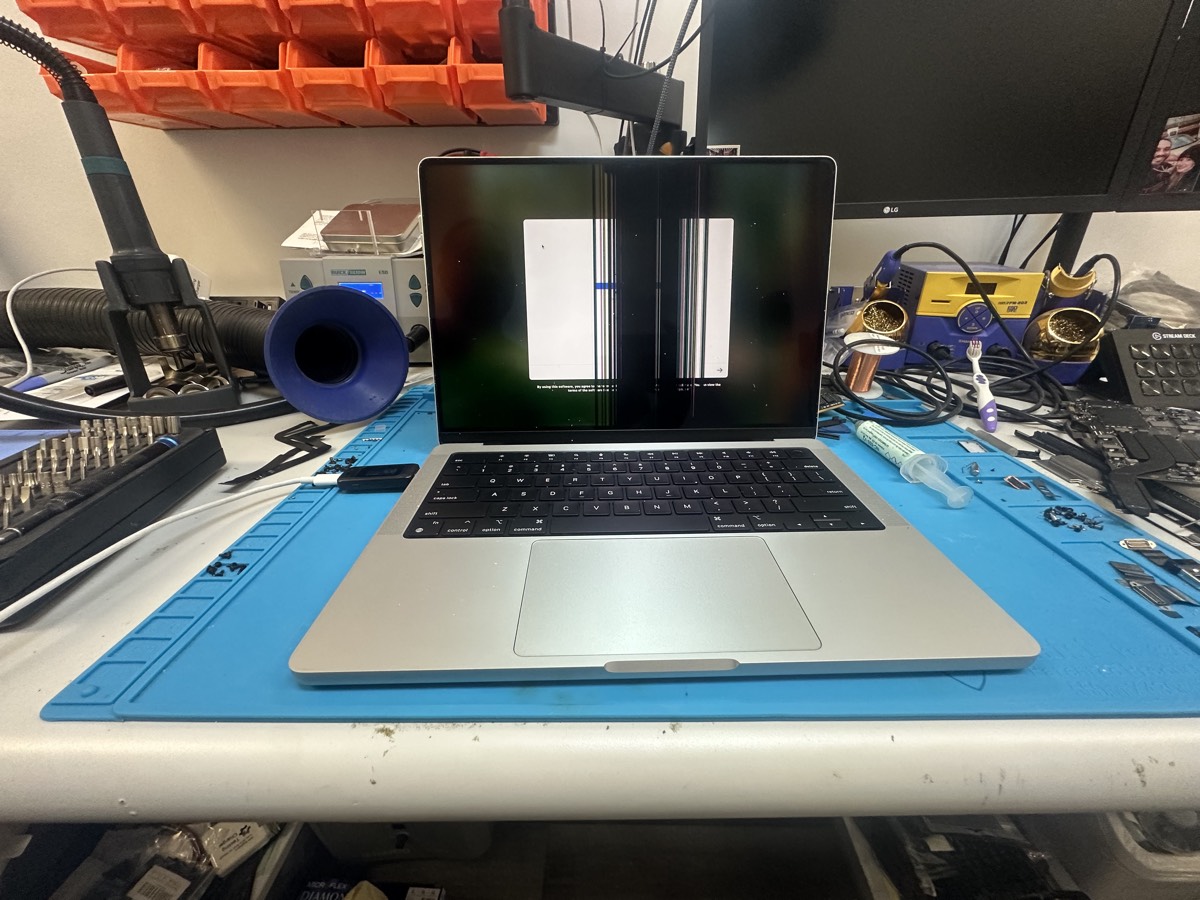
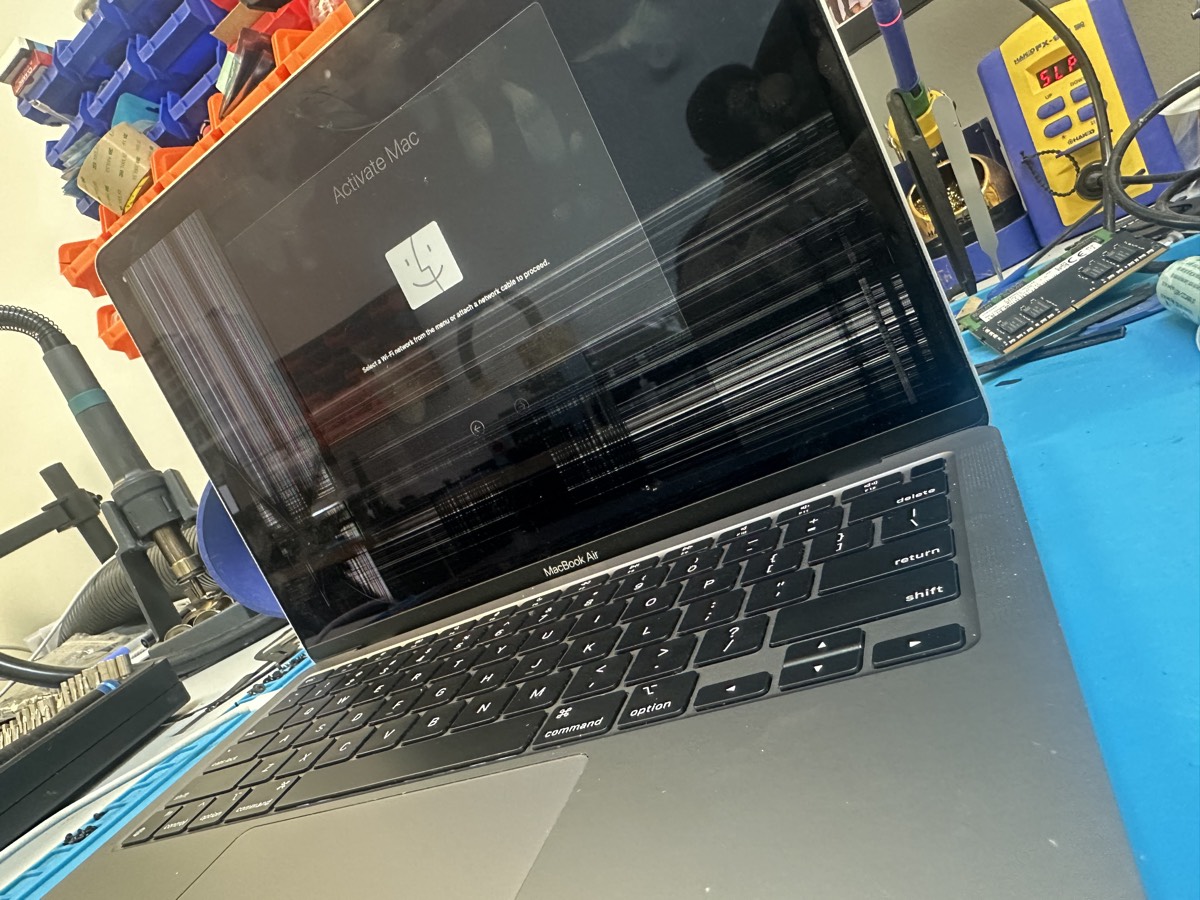
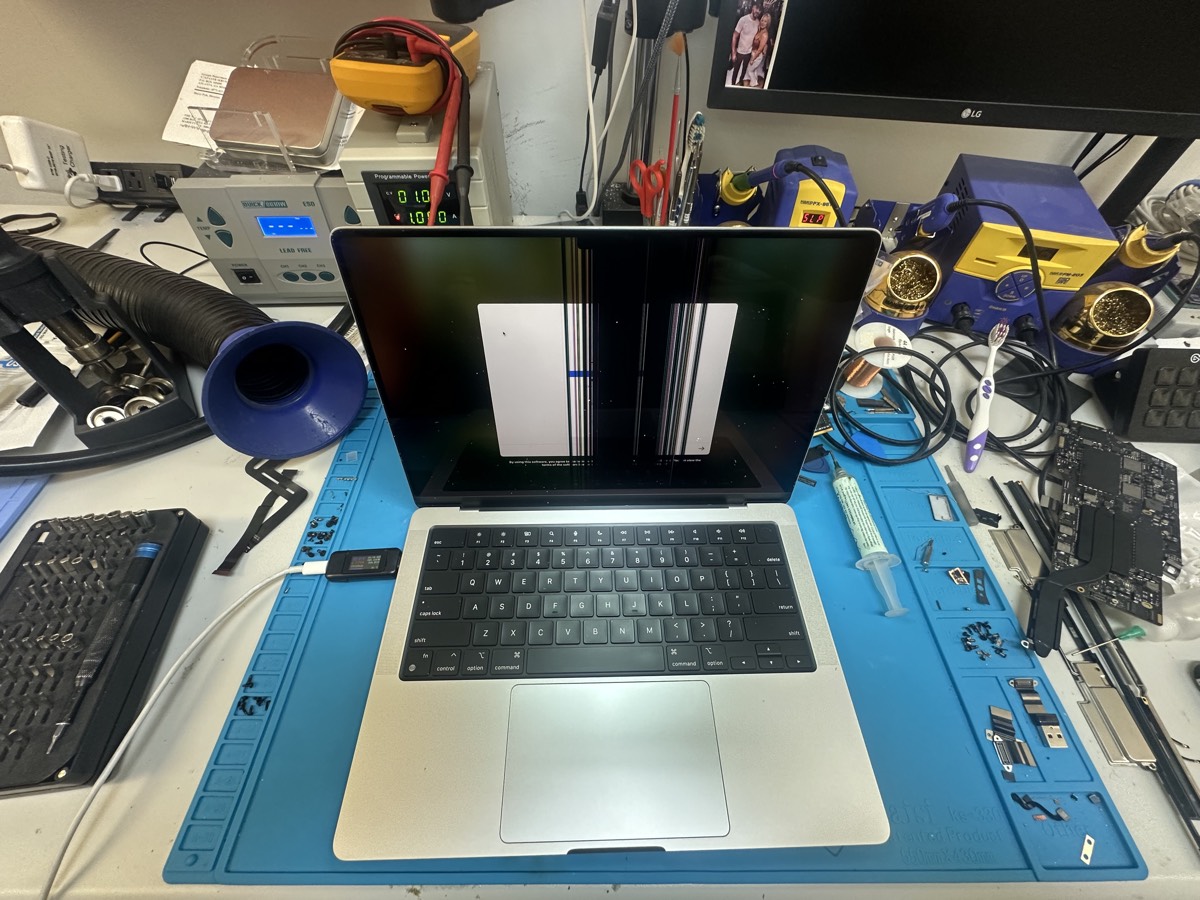
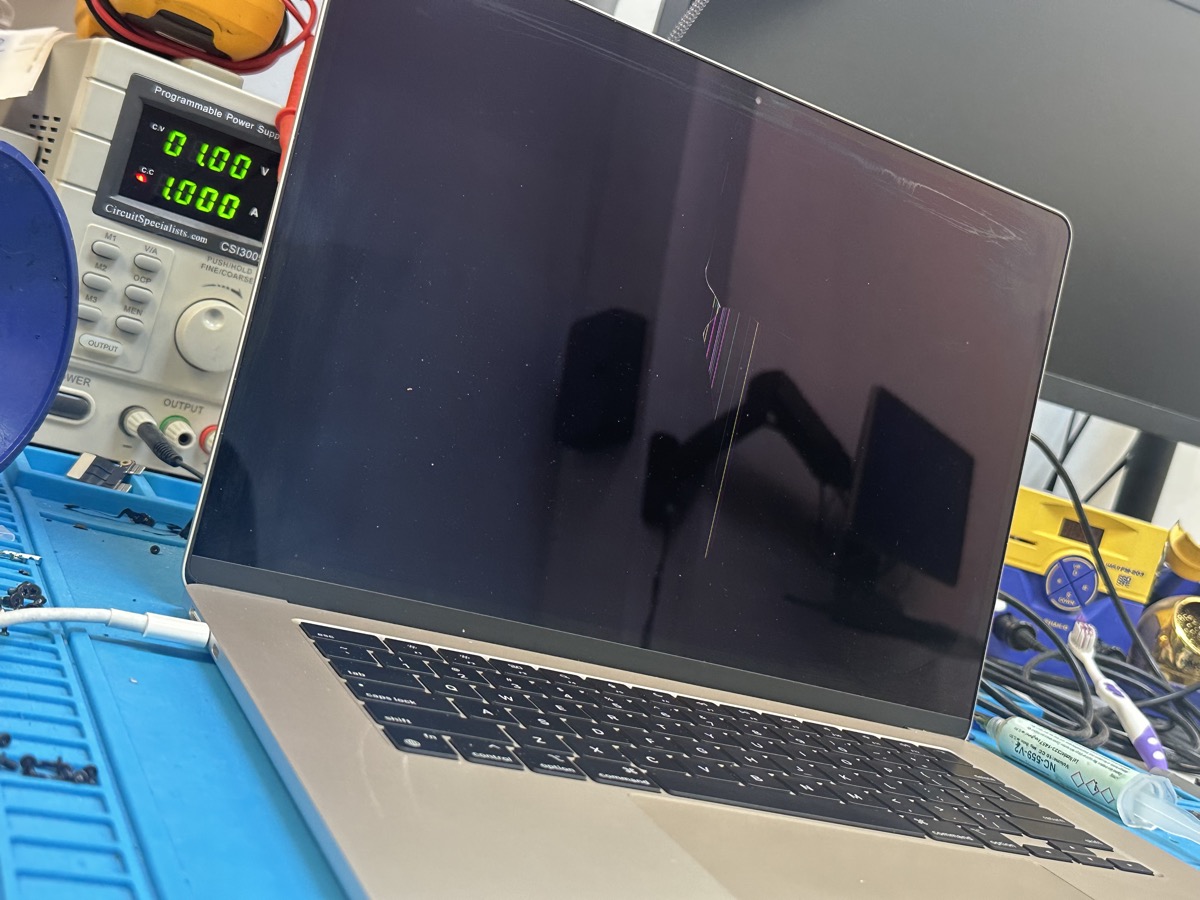
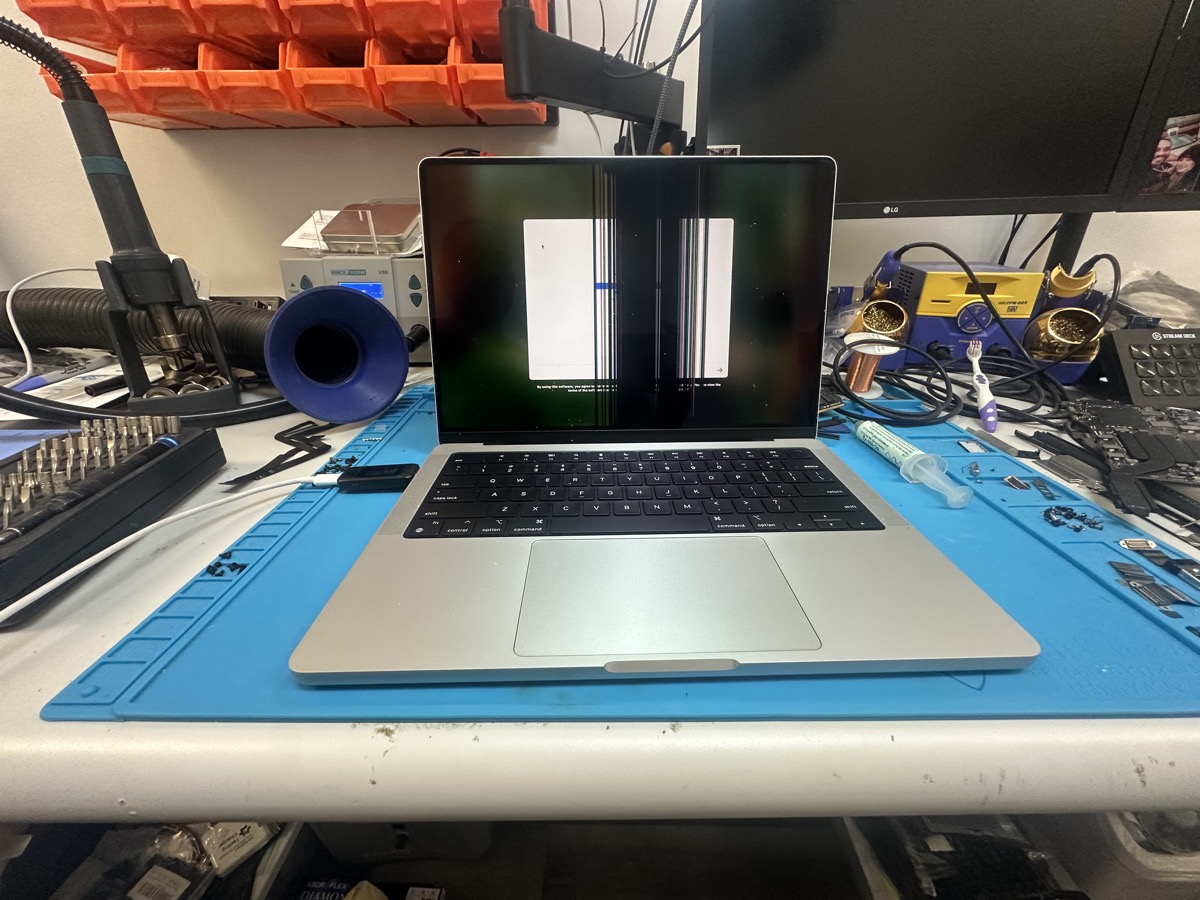
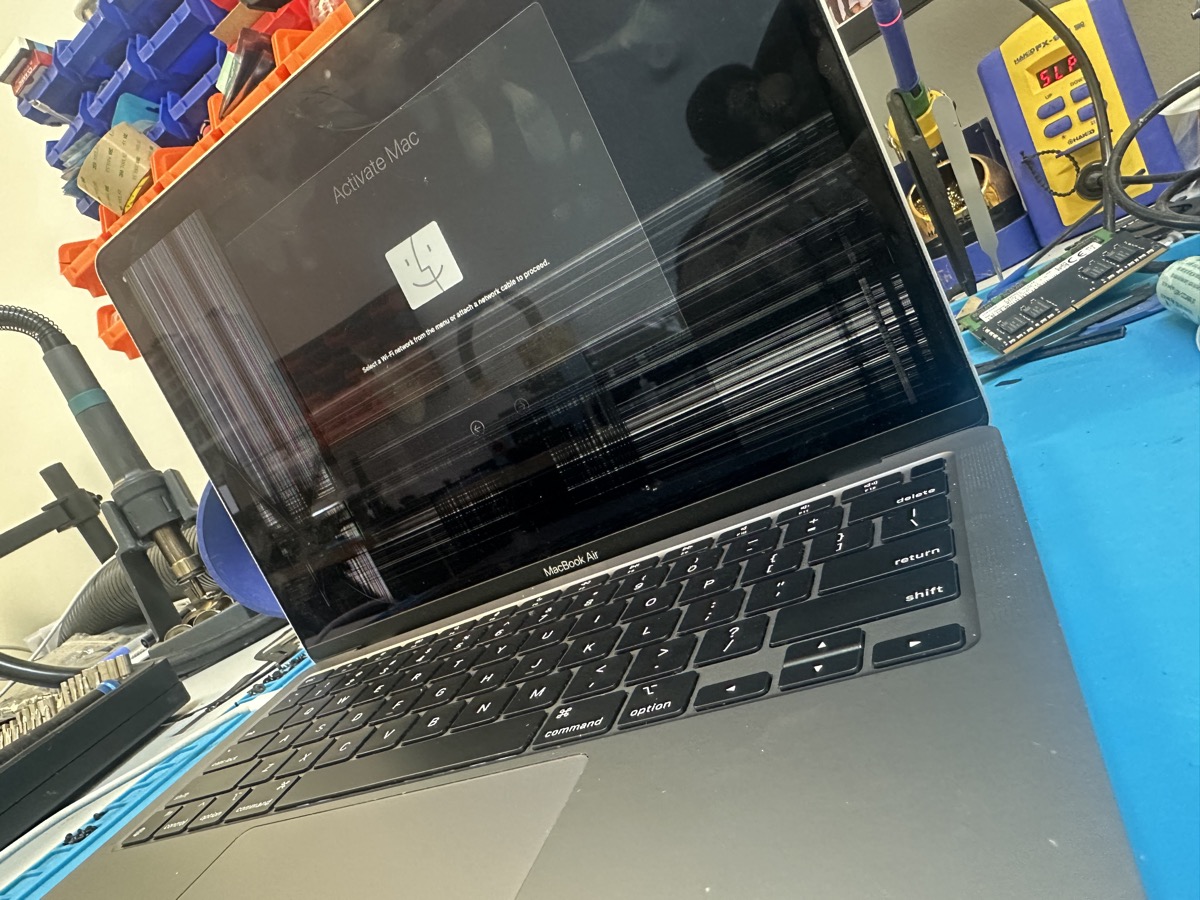
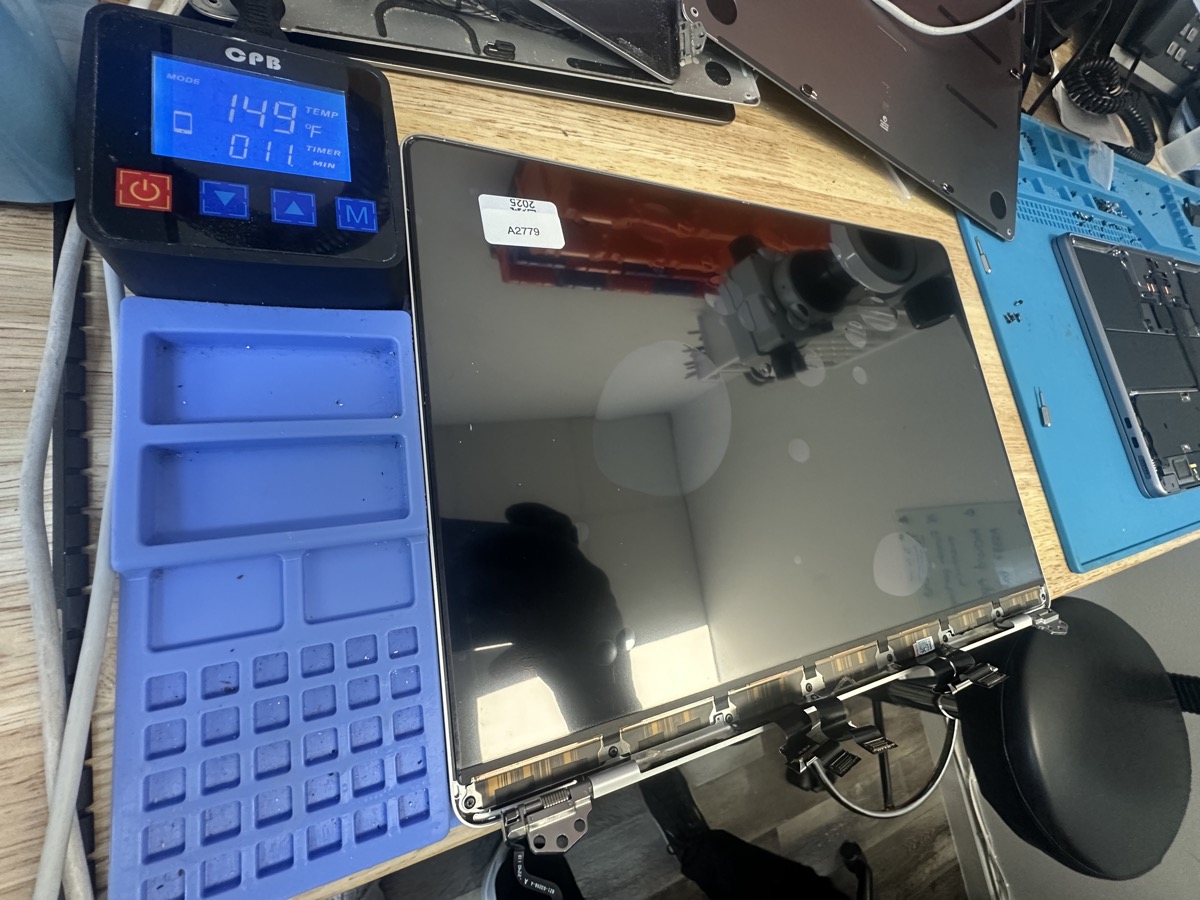
Real Screen Damage We Repair
Photos from our repair bench in Marietta, GA
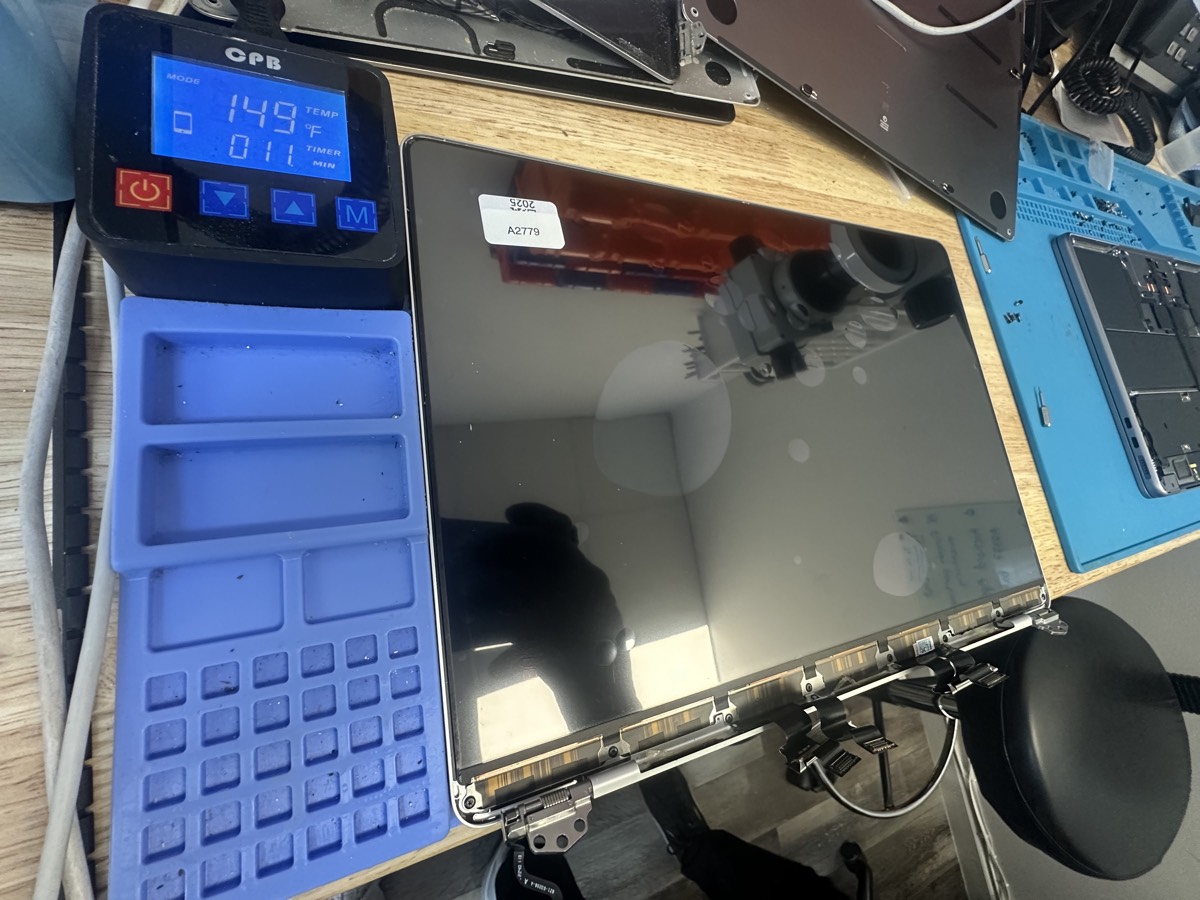
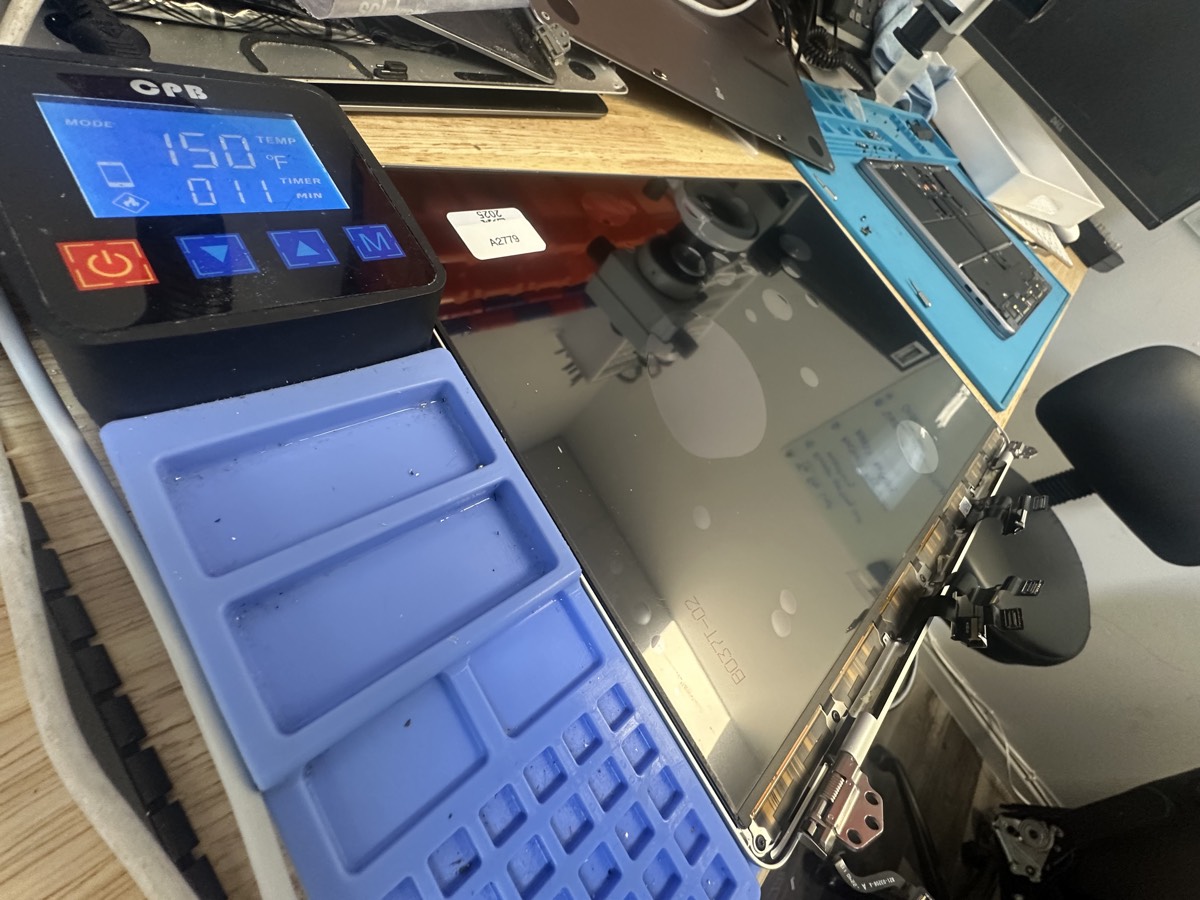
Watch a Screen Repair
See how we replace a MacBook Pro LCD panel
Types of Screen Damage We Fix
Cracked Glass
Dropped your MacBook or closed it on something? We replace cracked display glass and LCD panels.
Lines on Screen
Horizontal or vertical lines, flickering, or bands across the display indicate LCD damage.
Black Spots / Dead Areas
Pressure damage causes dark spots or areas where the display doesn't work.
Discoloration
Pink, green, or other color tints can indicate display or cable issues.
Backlight Issues
Screen is dim or only visible in bright light? Could be backlight or inverter problems.
No Display at All
Screen completely black? Could be the display, cable, or logic board - we diagnose to find out.
MacBooks We Repair
We replace screens on all MacBook models:
M1, M2, M3 MacBook Air and older Intel models. Retina and non-Retina displays.
Touch Bar, non-Touch Bar, M1, M2, and Intel models.
The newest MacBook Pro models with ProMotion displays.
Retina models with integrated displays.
We even repair vintage MacBooks and PowerBooks. If it's a Mac, we can likely help.
Our Screen Replacement Process
1. Free Inspection
Bring your MacBook in and we'll assess the damage and provide a quote - no charge.
2. Parts Sourcing
We source a quality replacement display for your specific MacBook model.
3. Expert Installation
Our technicians carefully replace the display, ensuring proper fit and function.
4. Quality Check
We test the new display thoroughly before you pick up - colors, brightness, touch (if applicable).
Screen Repair FAQ
Typically 3-7 business days depending on parts availability. Some common models can be faster if we have parts in stock.
No! A screen replacement doesn't touch your storage. Your files, apps, and settings stay exactly as they are.
Usually yes - if the rest of the Mac works well. A screen replacement is typically much less expensive than buying a new Mac. We'll give you an honest assessment.
Yes! If the Mac itself works, you can connect an external display and use it normally while you arrange for repair.
This can happen from pressure on the lid (heavy bag, sitting on it) or sometimes from closing the laptop on a small object like a pen or earbud. The repair is the same regardless of cause.
Ready to Fix Your Screen?
Don't struggle with a cracked display. Bring it in for a free quote.
Visit The Mac Space
2200 Roswell Rd. Suite 130, Marietta, GA 30062
Mon-Fri: 11AM-6PM | Sat-Sun: Closed