Pro Tools Mac Repair
Mac hardware diagnostics and repair from a technician who actually runs Pro Tools
Not Your Average Mac Repair
Most Mac repair shops can fix hardware. But when your Pro Tools rig starts throwing AAE errors mid-session, or your Thunderbolt interface drops out during tracking, you need someone who understands both sides - the hardware AND the software.
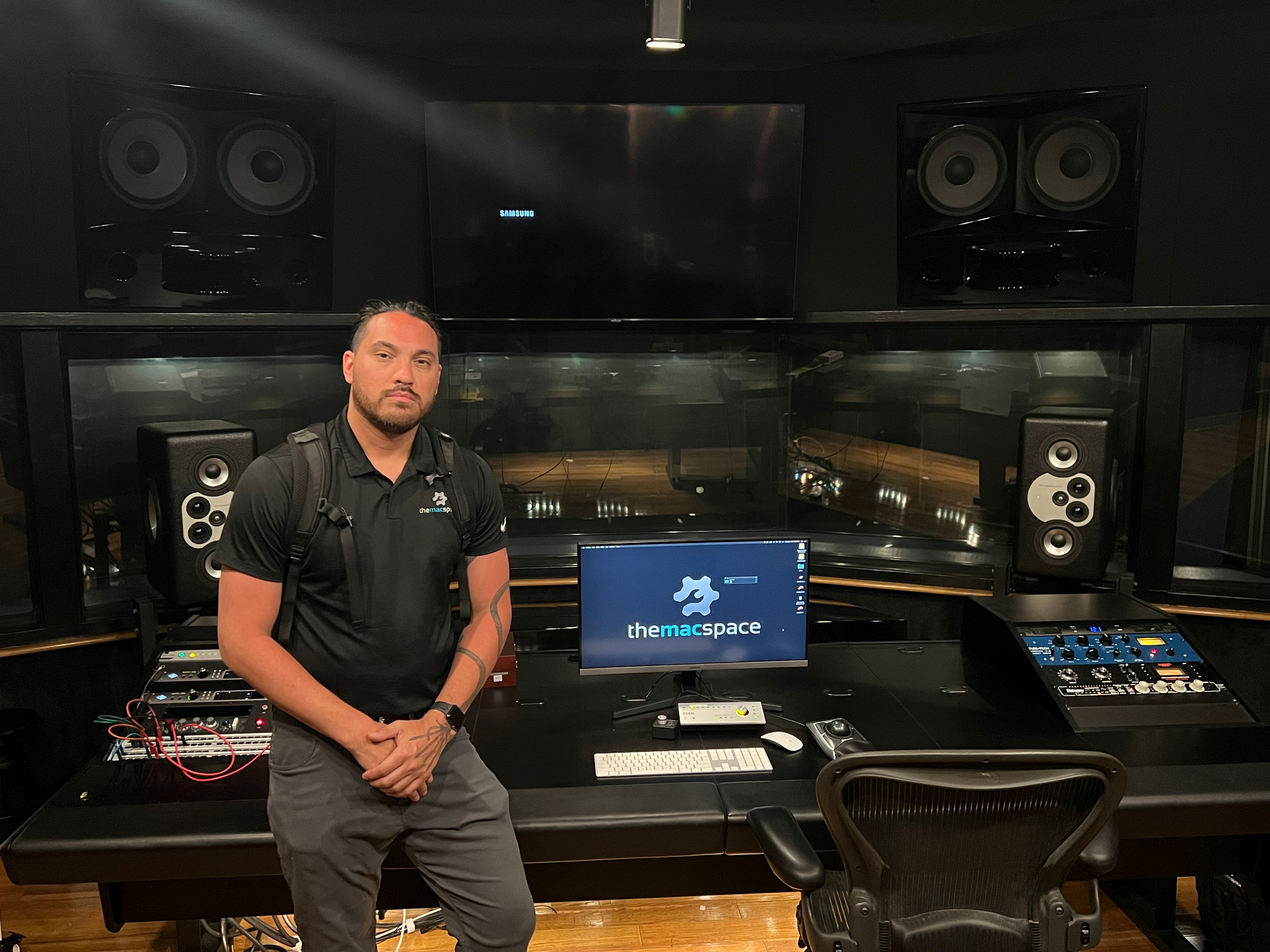
Our lead technician trained in Audio and Video Production at the Art Institute of Atlanta and has over 20 years of hands-on experience in professional audio production. We've built and configured Macs for professional studios including Doppler Studios. When you describe your problem, we actually know what you're talking about - playback engine settings, buffer configurations, I/O routing, DSP allocation, all of it.
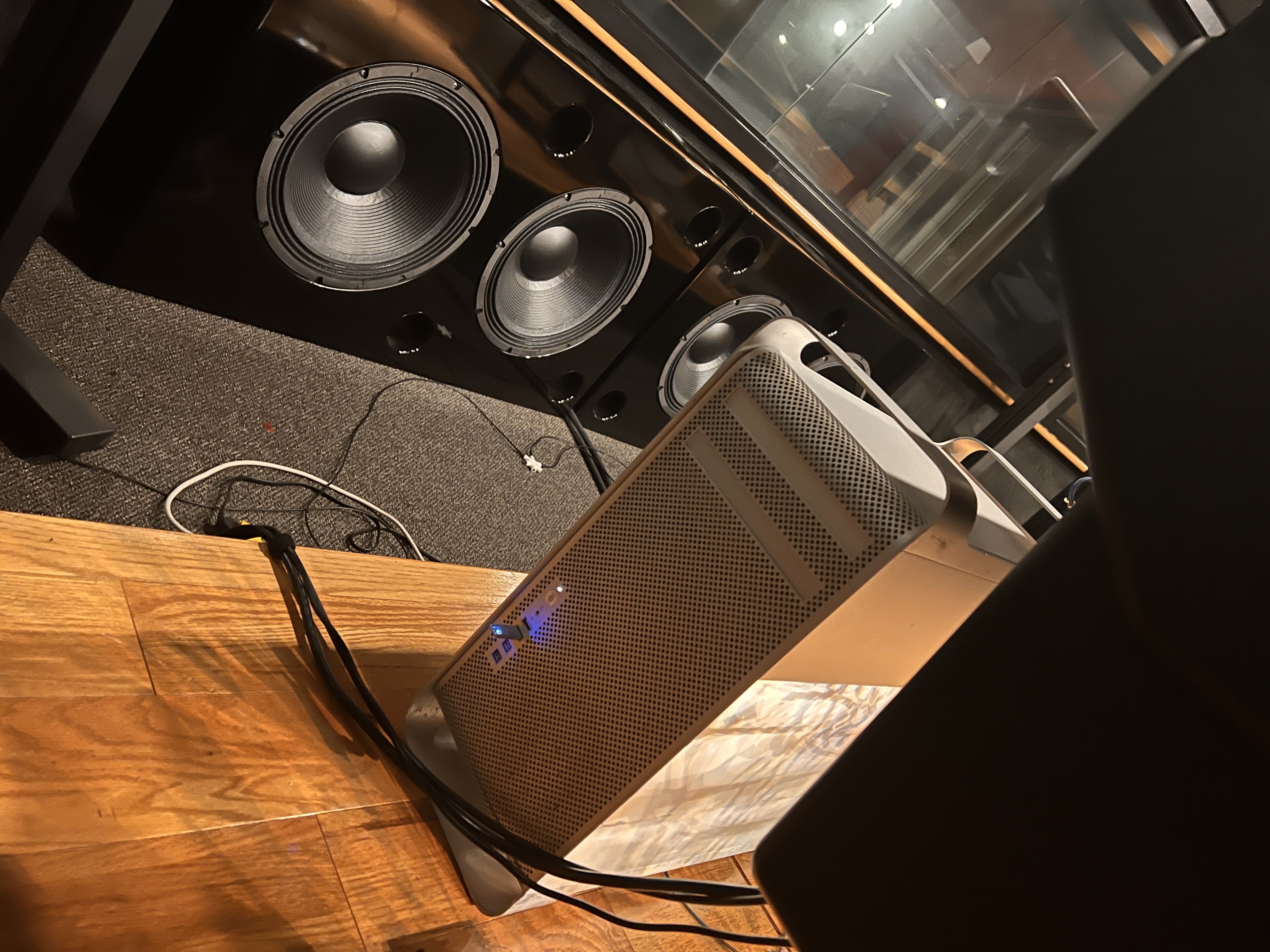
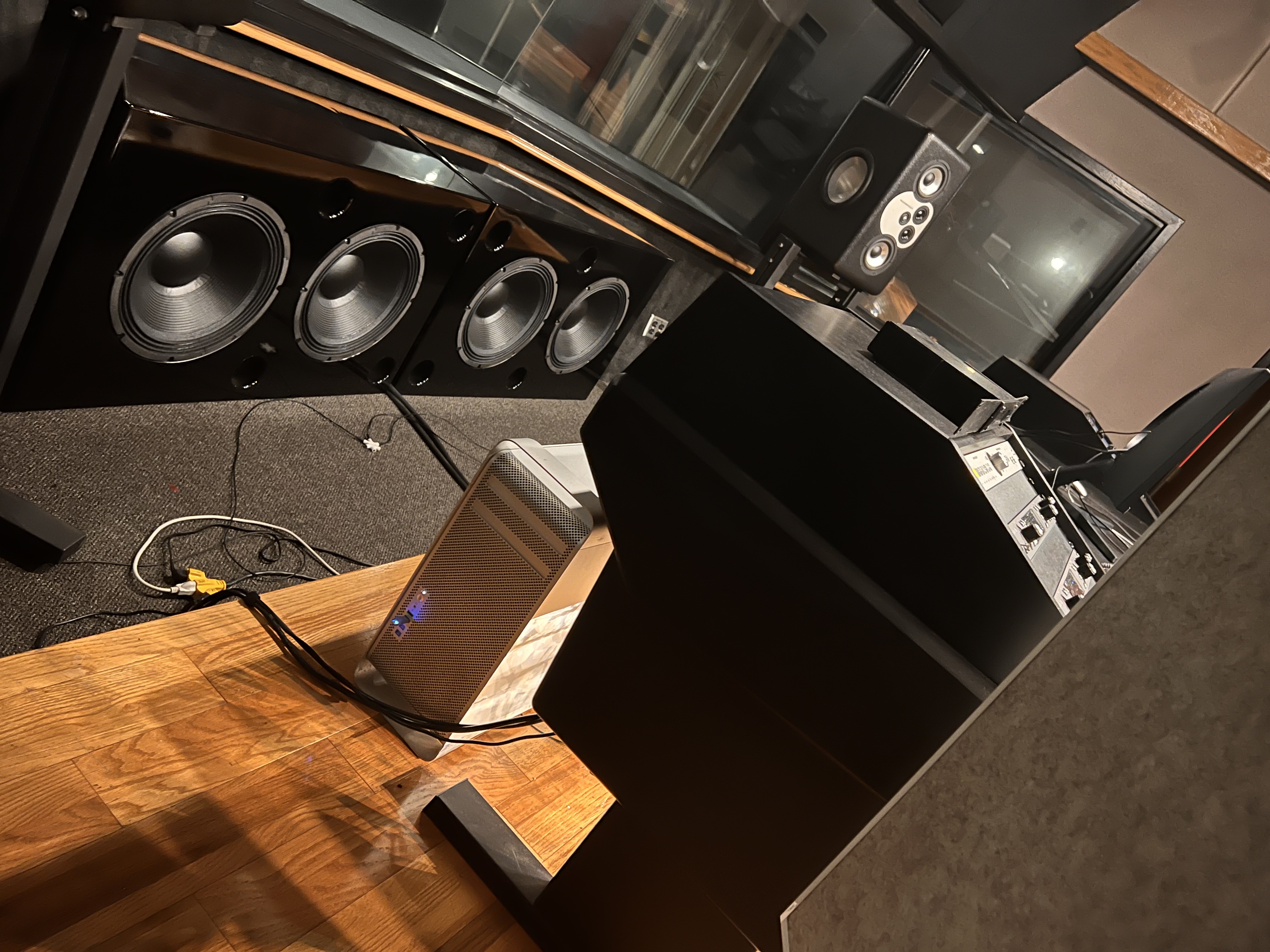
Built for Doppler Studios
Custom Mac Pro builds and on-site service for one of Atlanta's top recording studios
Pro Tools Mac Services
Audio Dropout Diagnosis
Crackling, pops, clicks, buffer errors, and CPU spikes during playback or recording. We trace whether it's hardware throttling, drive speed, RAM limits, or OS-level conflicts.
Audio Interface Troubleshooting
Interface not recognized, "No Hardware Found" errors, Thunderbolt dropouts, USB-C power issues. We troubleshoot the Mac side and help you isolate the problem.
Hardware Upgrades for Audio
RAM upgrades for large sessions, SSD upgrades for sample libraries, and spec recommendations tailored to your session sizes and plugin load.
macOS Compatibility
OS updates can break Pro Tools, drivers, and plugin compatibility. We help you navigate which macOS version works with your setup and handle clean installs when needed.
Why an Audio Engineer Fixes Your Mac Better
Here's what makes this different from a generic repair shop:
When you say "I'm getting AAE -6101 errors with my Apollo x8 on a 128-sample buffer," we don't need you to translate. We know what playback engine settings to check, what those error codes actually point to at the hardware level, and what to look for on the board.
We've built and configured Macs for Doppler Studios in Atlanta. We understand what professional audio production demands from hardware, because we've spec'd and delivered machines for it.
Your Mac is one piece of a larger system - interface, converters, monitors, MIDI controllers, outboard gear. We understand how all of it connects and where problems actually originate.
Not everyone needs 128GB of RAM. If you're running 24-track sessions with moderate plugin counts, we'll tell you exactly what specs matter for your workflow - and what's overkill.
How It Works
Tell Us What's Happening
By appointment; book online or give us a call. Describe the problem in your own terms - AAE errors, dropouts, interface issues, slow performance. The more detail the better. Bring your interface if it's part of the problem.
Free Diagnostics
We run hardware diagnostics, check your system configuration, test with Pro Tools, and identify the root cause. No charge for this - you get a clear explanation of what's wrong and what it takes to fix it.
Repair or Upgrade
Whether it's a hardware repair, component replacement, SSD or RAM upgrade, or OS reconfiguration, we handle it. You approve the quote before we start.
Verified and Returned
We make sure the repair or upgrade is solid and your Mac is running right before you take it back to the studio. Everything comes with a 60-day warranty. On-site service may also be available for studios that need it.
Pro Tools Mac Repair FAQ
No - we repair all Mac hardware issues. But our audio engineering background means we're uniquely qualified when the problem intersects with DAW software, audio interfaces, and studio workflows. If your Mac has a hardware problem that shows up during audio work, we're the shop that understands both sides.
If the problem involves your interface, yes - bring it in so we can see the full picture. We can look at how it's connecting, check the Mac's ports and bus controllers, and help you figure out whether the issue is Mac-side or interface-side.
Absolutely. We'll look at your current system, your session sizes, plugin usage, and workflow, then give you an honest recommendation. Sometimes a $200 RAM or SSD upgrade buys you another 3-4 years. Sometimes it's time for a new machine. We'll tell you the truth either way.
Yes. While our deepest experience is with Pro Tools, the hardware issues are the same across all DAWs. CPU throttling, interface compatibility, driver problems, and storage bottlenecks affect Logic, Ableton, Studio One, and every other DAW the same way. The diagnostic process is identical.
It depends entirely on the problem. Diagnostics are always free. A software configuration issue might be a quick fix. A logic board repair or major upgrade will cost more. We give you a firm quote after diagnosis so there are no surprises.
It can be. AAE errors like -6101, -6085, or -9173 can be caused by CPU throttling, overheating, failing storage drives, insufficient RAM, or USB/Thunderbolt controller issues. They can also be software configuration problems. We test both sides to find the actual root cause.
Studio Mac Acting Up? Let's Diagnose It.
Free diagnostics from a technician who actually understands professional audio workflows.
Related Pages
Pro Tools Audio Dropouts
Crackling, buffer errors, and CPU spikes during playback or recording.
Audio Interface Not Working
Interface not recognized, Thunderbolt issues, driver problems on Mac.
Mac Upgrades for Audio
RAM, SSD, and spec upgrades tailored for music production workflows.
Logic Board Repair
Component-level micro-soldering for Mac motherboard failures.
Serving the Greater Atlanta Metro Area
Located in Marietta, we serve musicians, producers, and audio engineers from across the Atlanta metro area including Atlanta, Roswell, Kennesaw, Woodstock, Smyrna, Buckhead, Midtown, and all of Cobb, Cherokee, and Fulton counties.
Visit The Mac Space
2200 Roswell Rd. Suite 130, Marietta, GA 30062
Association Hours (subject to change): Mon-Fri 11AM-6PM